10 Simple Ways to Secure Data
Data and web threats are a stark and unavoidable reality of the world today. Whether it’s a large-scale enterprise or a start-up, any manner of data breach can lead to massive disruptions in the daily operations of a business. Mobile Computer Services, Inc. - a managed IT service company - shares 10 effective ways that small businesses can follow to safeguard their data and network:
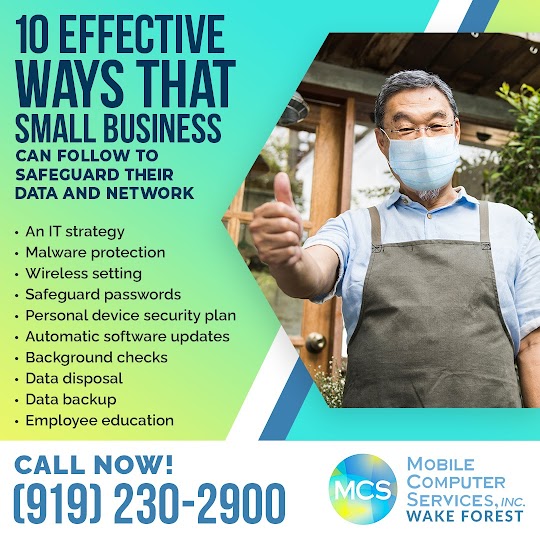
An incident-response strategy will not only ensure the right steps are taken but will also prevent any further errors. A formal IT security strategy must be exhaustive and accessible to all relevant personnel. It not only presents how to protect data and resources but also shares what steps to take in case of an emergency.
Malicious software can sneak into PCs and network systems and wreak havoc on an organization’s data. Data threats can be prevented by securing PCs and network systems against malware in the following ways:
A wireless network without a fort of encryption is a sitting duck for hackers. An encryption key may be unable to deflect hackers and therefore a stronger defense is required. An organization can strengthen its router by applying the strongest encryption setting, and turning off the broadcasting function to hide the company network. What can’t be seen cannot be tampered with.
A password may seem too simple a suggestion but is one of the best ways to fortify data. The more complex the passwords, the better the protection.
A password must ideally be at least eight characters long and include numbers and non-standard characters within it. A regular change of password is also an important step to follow to optimize data security.
Certain small to medium organizations that encourage or allow a “Use your own device” policy at the workplace or homes must be aware of the associated security risks. They must have a plan to provide some protection against legal repercussions and mobile system costs. A clear, comprehensive policy must cover pertinent data deletion, location tracking, and Internet monitoring issues.
An older version of the software makes the device easy prey for hackers. Regular updates of device security settings, operating systems, and other software to their latest versions can safeguard the system against potential threats. Setting any patches and improvements to automatically update in the background can offer an extra layer of protection against hacking.
Due vigilance while hiring a new employee is crucial to protect the organization from internal threats. A background check is necessary to know one’s employee well. Even sudden changes in employee behavior may indicate other issues that need redressal.
Disposing of redundant data is not as simple as deleting it. There must be a sound data destruction policy to ensure there is minimal risk of a security breach. This policy must advise the step-by-step procedures to safely dispose of data for all devices.
Confidential company data must be properly removed from retired and reused devices and storage media so it wouldn’t fall into the wrong hands. The data must be overwritten multiple times by the IT disposal partner to ensure it cannot be accessed by freely available tools.
Besides cybercrime, there are a host of technical problems such as power outages or infrastructure damage that can lead to corruption or loss of data. Even a minor delay can escalate into a huge financial and reputational damage situation. Backing up data is an essential practice that will always keep the organization prepared for the worst and maintain continuity of work.
A cloud service for instance is a good option for storage of data, maintenance of software patches, and implementation of security for small businesses.
During onboarding or bi-annual refresher courses, the company security policy must be reiterated to employees to ensure everyone follows it. Additionally, employees must be educated about phishing practices and how to identify scams and precautions they can take.

Mobile Computer Services is a professional IT services company that works with small and medium-sized businesses in Wake Forest. The services include:
Contact Mobile Computer Services, Inc. at Wake Forest today at (919) 230-2900 for IT support, services and solutions.



Contact Information:
Mobile Computer Services, Inc.
How to identify phishing scams and prevent them?
Statistics have revealed that 90% of all data breaches can be traced back to phishing attacks. The average cost of a successful phishing attack to a medium-sized business is estimated at $1.6million. Mobile Computer Services, Inc. - a managed IT company - shares how to identify phishing scams and reduce the risk they pose.
Phishing is a type of social engineering attack wherein a victim is duped into sharing confidential data, including login credentials, banking details, and other personal or business information with a hacker. Phishing can not only lead to significant financial loss but also cause loss of sensitive company information, such as revenue figures.
Traditionally carried out only via email, phishing scams are now being carried out via text message (smishing) and phone calls (vishing) as well. Moreover, spear-phishing – personalized phishing attacks on a particular target – has become rampant.
Besides gaining precious confidential information from the target, phishing scams can also be used to plant ransomware on a device. It is a form of malware that encrypts the data on the victim’s device disabling any access to all files and information. This is followed by a payment demand or a “ransom” by the cybercriminals to decrypt the data and provide access.
Ransomware is a dangerous malware that is capable of bringing even the largest organization to a standstill.
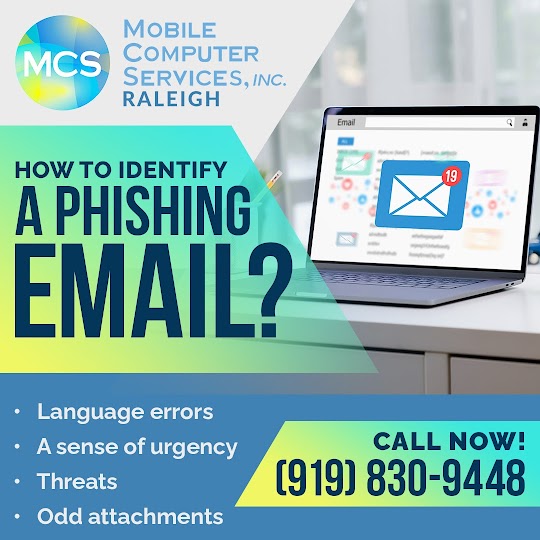
A careful read of a message can reveal its authenticity. For instance, an email from the bank asking for personal information updates is unlikely to have grammatical and spelling mistakes. Or an untimely mail from a colleague with an unusual amount of language errors must be viewed with caution.
Phishing emails can seem very genuine until a closer look reveals complex subdomains that mask the actual identity of the sender. One must refrain from clicking on the attachments on such links.
A sense of urgency in a message takes away the attention from the telltale signs of inauthenticity. Hackers often use a sense of urgency by suggesting a hacked account that needs to be reset or by offering a time-specific promotion or reward. More often than not, this sense of urgency lures the victim into providing information without confirming the genuineness of the sender.
Phishing victims may often receive messages threatening to reveal some information to others. This threatening message may demand personal information or simply carry an attachment that once opened will install ransomware on the device, locking all access to data.
A simple rule to follow online - do not open an attachment contained in a mail from an unknown person or entity. An attachment with an unusual name or a URL that doesn’t begin with HTTPS and has no SSL certificate is not worth the click.
Despite the awareness, some phishing messages may not have any tell-tale signs of being dangerous and fake. But there are certain steps businesses can take to protect themselves and their employees from phishing scams.
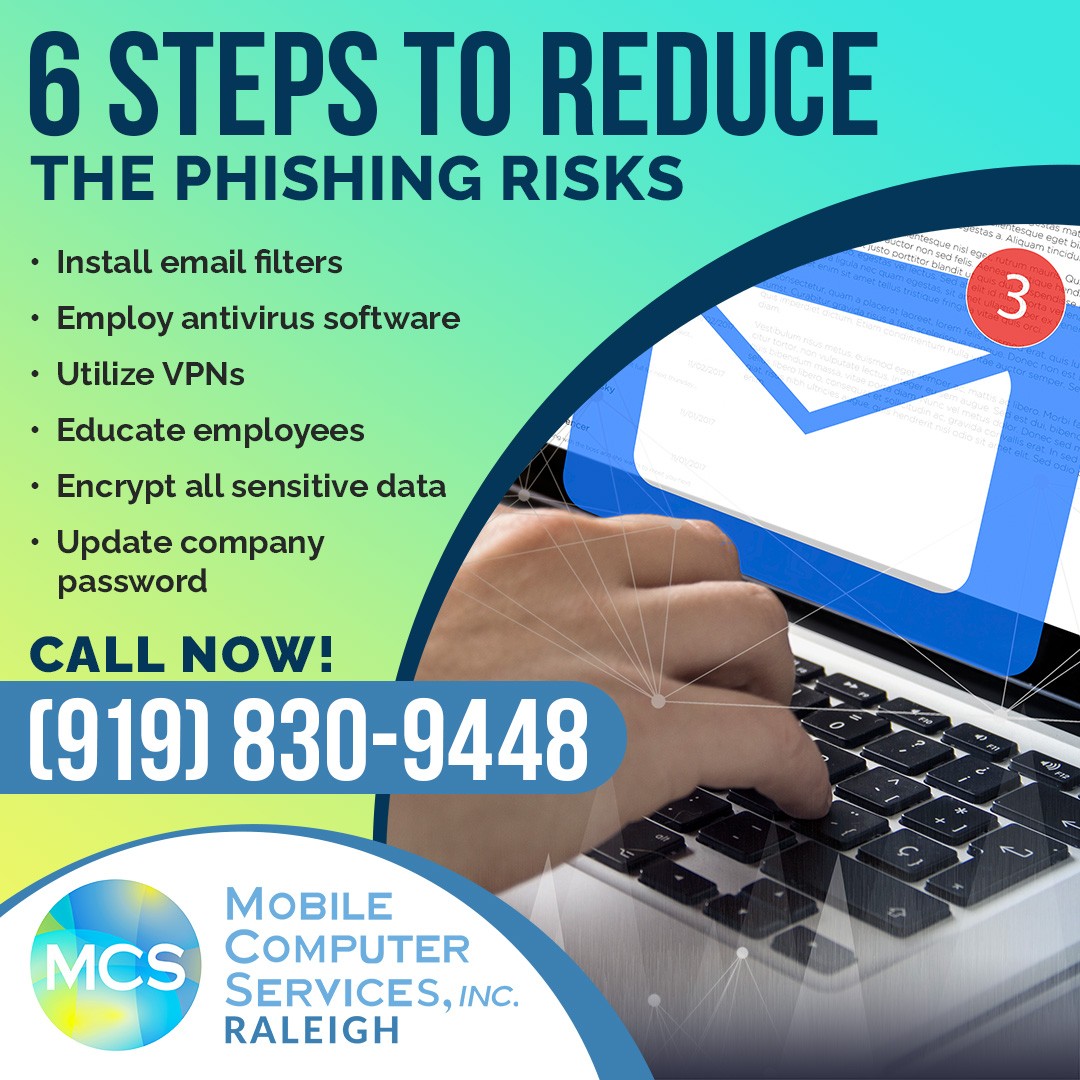
Researching for an email provider that has effective spam and junk mail filters is worth the effort before making a choice. However, just an email filter is insufficient protection from malicious emails.
In case of serious phishing concerns, the hyperlinks can be disabled on email settings but this will also block links from authentic senders.
An up-to-date antivirus software protects a business from phishing attacks as well as other types of dangerous threats. Businesses can install antivirus software that is equipped with anti-phishing capabilities that will check links for authenticity and safety. However, it is important to regularly scan the devices as phishing scams may go unnoticed.
If a business utilizes public WiFi connections to access sensitive information, an effective Virtual Private Network (VPN) can decrypt the data during the online activity and provide the much-needed security.
However, one must not access bank accounts or sensitive company information on an unsecured network as it heightens the risk of phishing attacks.
Lack of awareness leads to successful phishing scams. Educating employees is the first step to protecting the business. Simulated phishing tests are a great way to ensure that employees understand and recognize phishing scams.
Encryption of all sensitive information and files is another layer of defense against phishing. This information can only be decoded and accessed by personnel who have the sender’s cipher/key. Encryption can be carried out on a small or large scale depending upon the company's needs. Additionally, some modern operating systems (OS) have built-in encryption programs (such as OS X, Windows, Linux).
A policy of regular password change is advised to protect the company's information. But this must be enforced without fail when there has been a security breach or an equally compromising situation. Ideally, passwords should be strong, long, and use two-step or multi-factor verification.
Mobile Computer Services is a professional IT services company that works with small and medium-sized businesses in Raleigh NC. The services include:
Contact Mobile Computer Services, Inc. at Raleigh NC today at (919) 830-9448 to find out about its Managed IT services.


Contact Information:
Mobile Computer Services, Inc. (Raleigh)
Kara Mason
(919) 830-9448
Dental practices, veterinary clinics, and small businesses must keep their guard up in the effort to maintain cybersecurity. Vulnerabilities can spell disaster. IT managed services are a burden that most small businesses are unable to shoulder alone. An outsourced managed IT solutions provider, such as Mobile Computer Services, Inc. of Wake Forest, is an affordable way to gain the cybersecurity every business needs to stay safe and functional in the “new normal” of accelerated cybercriminal activity.
Four types of phishing pose a critical threat to dental practices, veterinary clinics, and small businesses:
The majority of phishing emails targets large groups of people. Spear phishing is a type of attack that is more personalized and individual in its approach and focus.
A spear-phishing email, as the name implies, targets a specific individual, business, or organization. Dental practices and veterinary clinics are prime examples of entities that this variety of phishing expedition would single out. The scammers who spear phish invest time to research their niche targets. This more sophisticated phishing is sometimes referred to as social engineering. The emails are configured to closely resemble legitimate sources.
In 2016, millions of Amazon customers received an email containing the same subject line message about an order status with an order code following directly after it. Upon opening the email, consumers found no message, only an attachment. Customers who opened the attachment put themselves or their companies at risk of installing ransomware on their computers or other devices.
Another example of spear phishing emails specifically involves small businesses, including dental practices and veterinary clinics. The target, in this instance, might be a company employee. The email may seem to originate from higher up the management chain, and it requests access to sensitive company information. If the spear-phishing target responds, a data breach could ensue in which company or employee information is accessed and stolen.
Another type of malicious phishing, clone phishing, is very difficult to detect. This phishing attack involves creating a version of an email that victims have already received. The email address is very close to the address of the original email, and the formatting of the body of the email resembles the original email, as well. The only difference is the attachment or link in the message has been changed. Unwary victims who click on the link or open the attachment will be taken to a fake website or open an infected attachment. This type of email phishing requires a keen eye and attention to detail to notice.

Some phishing expeditions focus on the large catch, the whales. Whaling attacks target chief executive officers, chief operating officers, or other high-level executives in a business. The phisher’s aim is to con these powerful individuals into divulging sensitive corporate information. Any key decision-maker with sensitive information qualifies as a high-value target, including dentists and veterinarians, as well as other small business owners.
These attacks require a higher level of sophistication and much more research. The scheme usually relies on fraudulent emails that seem to originate from trusted colleagues within the company or from legitimate external agencies.
Pop-up phishing utilizes pop-up ads to entice users into installing malware on their computers. The ads may seek to convince the recipient to purchase unnecessary antivirus protection. Scare tactics may be employed. The user might be warned that their computer has been infected with a virus and the only remedy is to install a particular antivirus software. Upon installation, the user discovers this software is non-functional. Sometimes the supposed remedy actually infects the computer with malware.
Small businesses can take simple, common sense, proactive steps to avoid being scammed by phishing expeditions. The application of several commonsense principles and a healthy dose of suspicion are a good combination when dealing with potential cybercrimes. Cybercriminals are smart. Their subtle machinations can hook the most astute business owner or employee. The following principles will help safeguard against falling for the scammer’s tricks.
Managed IT services are indispensable for cybersecurity in the twenty-first century. An outsourced IT support service is an affordable strategy to gain bullet-proof security and achieve peace of mind. For more information about IT solutions that work, contact Mobile Computer Services, Inc. of Wake Forest by phone at (919) 230-2900.